         |
LABORATORY/EXPERIMENTS | |
     |
||
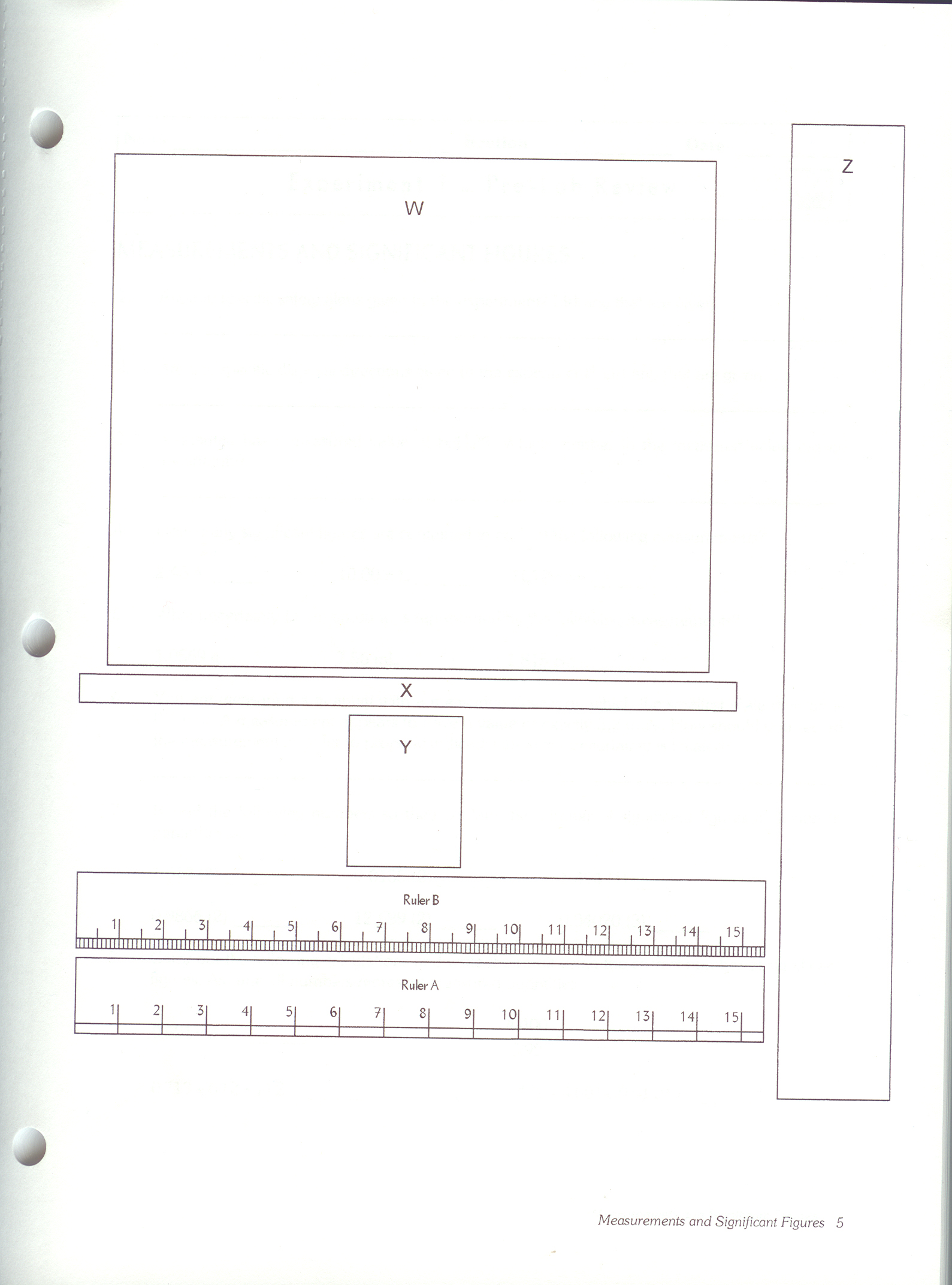
To start the lab, open your lab book (or the .pdf of the lab you can download in ChemWeb) to the first assigned lab experiment (listed below). Read the entire lab and complete all the worksheets. Once you're done you login to your ChemWeb account and type your answers in there for grading. There are YouTube videos and tips/hints below for the labs that may help if you get stuck. Refer to these before emailing to save you time in completing labs. Labs are due approximately each week. Lab # 1 does not require any equipment or lab files. It is completed completely in the lab book only. For lab #2 and subsequent, you will use lab files rather than equipment. YOU DO NOT NEED ANY LAB EQUIPMENT. Below are Lab instructions for accessing the lab files in ChemWeb as well as how to use them. If you have a use lab manual that is written in, a good idea is to login to ChemWeb, click on the lab experiment and print the input screen. That will give you a copy of the worksheets that will be blank for you to work from. Review me first: Instructions will explain how to do the labs since you won't be in a laboratory.  Lab Instructions Lab InstructionsLabs are graded by assistants, so instantaneous feedback is not possible. Labs will generally be graded within one week from the due date. For questions on lab work, please see the Contact Us page. Before beginning the labs: please read the instructions (above) on how to complete the lab work. The instructions will explain how you will do the lab work without having an actual laboratory to complete the work. You will NOT need to purchase any lab equipment, scales, chemicals, etc. You will utilize lab photo files in ChemWeb to complete the work. |
||
|